
Managing a large list of phone numbers can be challenging for businesses, marketers, sales professionals, and customer support teams. Not every contact in a database may be registered on WhatsApp, and manually reviewing thousands of numbers can consume valuable time. A reliable WhatsApp Contact Filter solution can help simplify contact list processing and make business communication more organised.
WA Number Checker provides a convenient way to process phone number lists, organise contacts, and identify numbers associated with WhatsApp. Whether you manage customer enquiries, sales leads, marketing databases, or business contacts in South Africa, the software helps reduce repetitive manual work.
What Is a WhatsApp Number Filtering Tool?
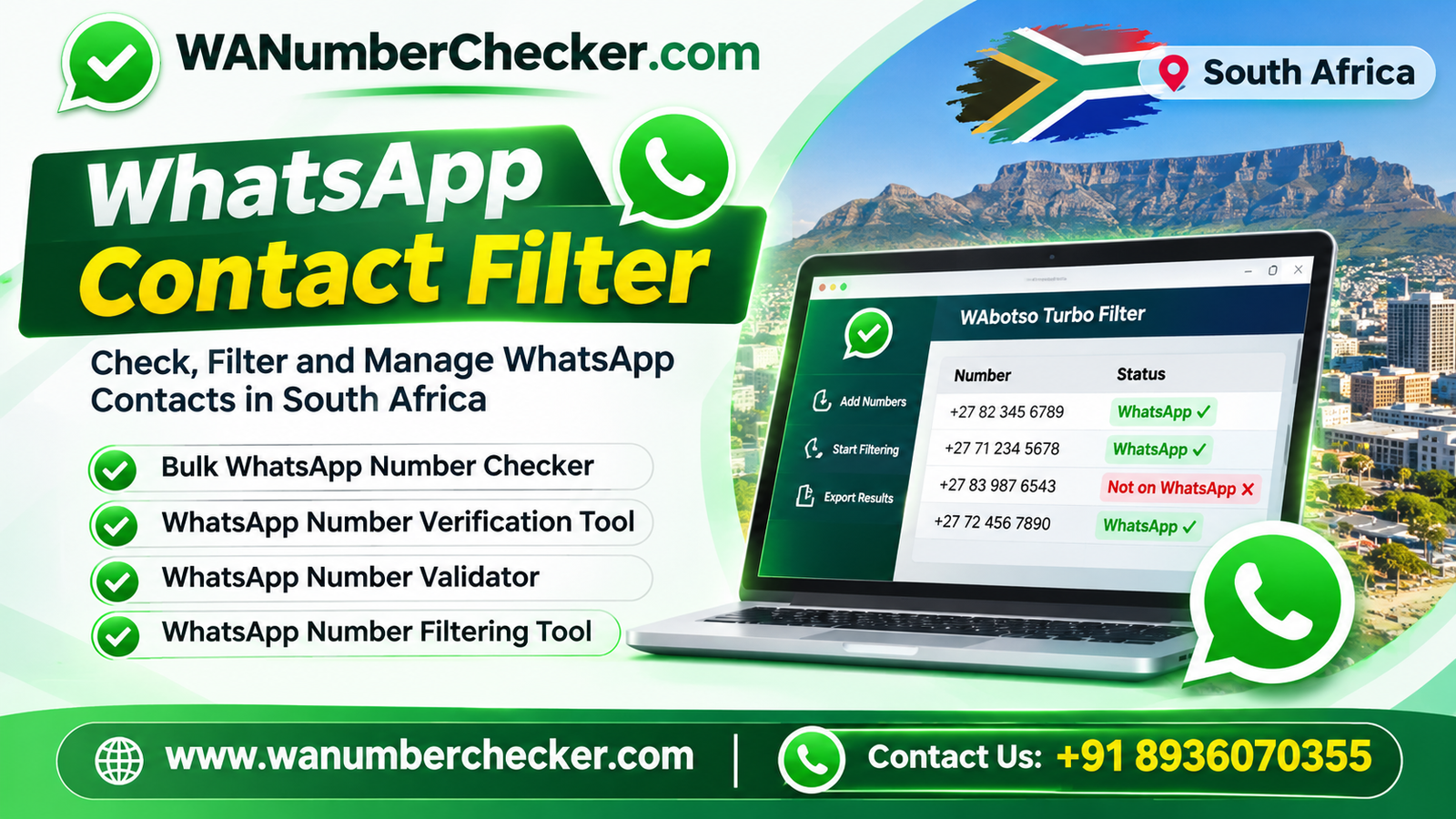
A WhatsApp Number Filtering Tool is designed to help users process phone number lists and organise contacts based on their WhatsApp association. Instead of reviewing every phone number individually, users can work with larger contact lists through a simplified filtering process.
For South African businesses, managing contact information in a consistent format is particularly useful when working with local and international customers.
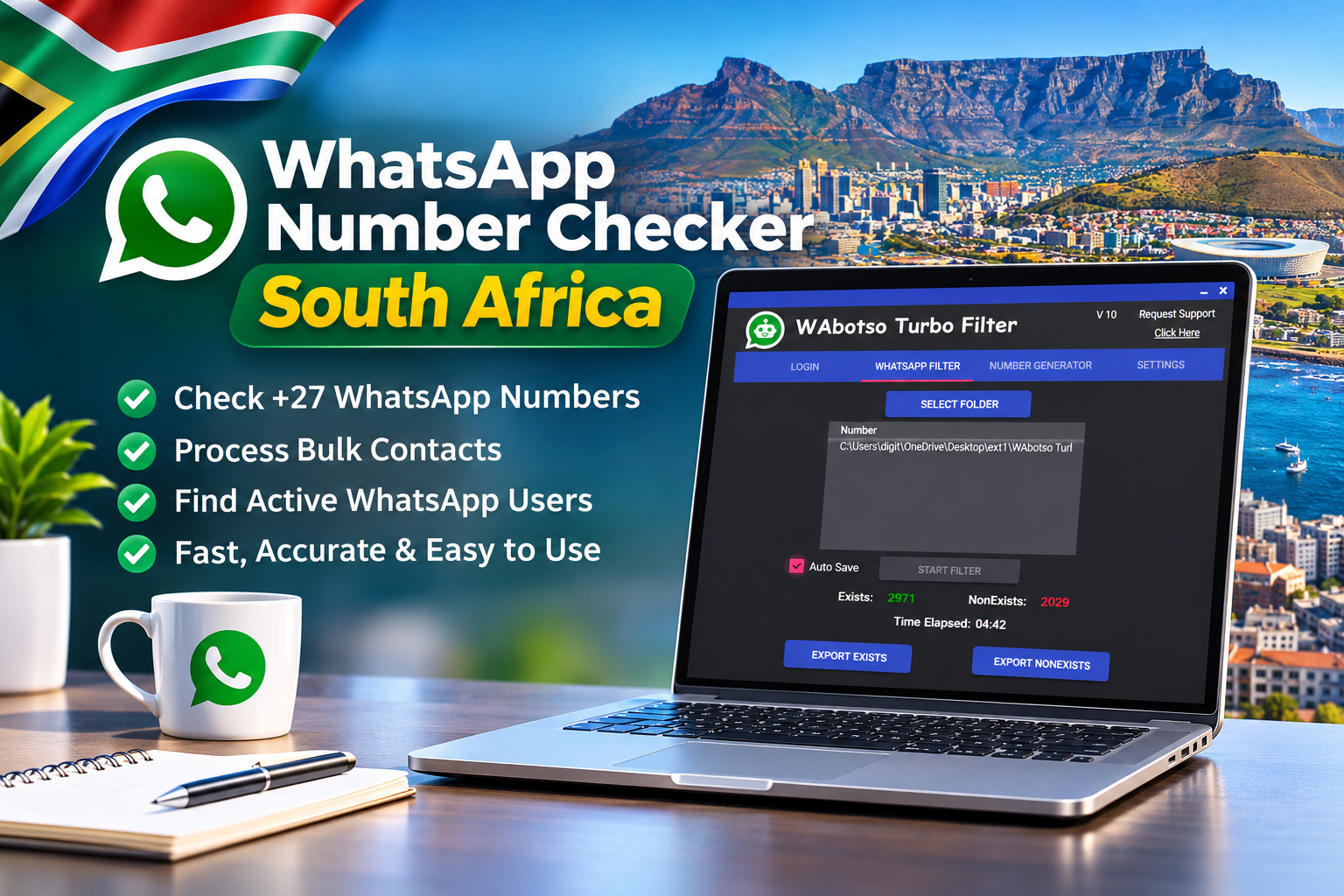
WA Number Checker, powered by WAbotso Turbo Filter, offers features for processing bulk phone number lists, supporting multiple countries and helping users organise their contact data efficiently.
Why South African Businesses Need WhatsApp Contact Filtering
WhatsApp is widely used for personal and business communication. Companies in Johannesburg, Cape Town, Durban, Pretoria, and other South African cities may maintain extensive customer databases for enquiries, sales, and service updates.
However, maintaining an accurate contact database requires regular attention. Duplicate entries, outdated numbers, incorrect country codes, and contacts that are not associated with WhatsApp can create unnecessary work.
Using a suitable contact filtering solution can help businesses:
Organise large customer phone number databases.
Process multiple contacts instead of checking them individually.
Reduce repetitive manual contact checking.
Work with international phone number formats.
Prepare more organised customer contact lists.
Improve contact management workflows.
A well-organised database can make customer communication easier to manage and support more efficient business operations.
How to Use a WhatsApp Number Filtering Tool
WA Number Checker offers a straightforward workflow for users who need to process large phone number lists.
Step 1: Prepare Your Contact List
Collect the phone numbers you want to process. Ensure that your contact data is organised and follows a consistent format.
Step 2: Upload Your Phone Numbers
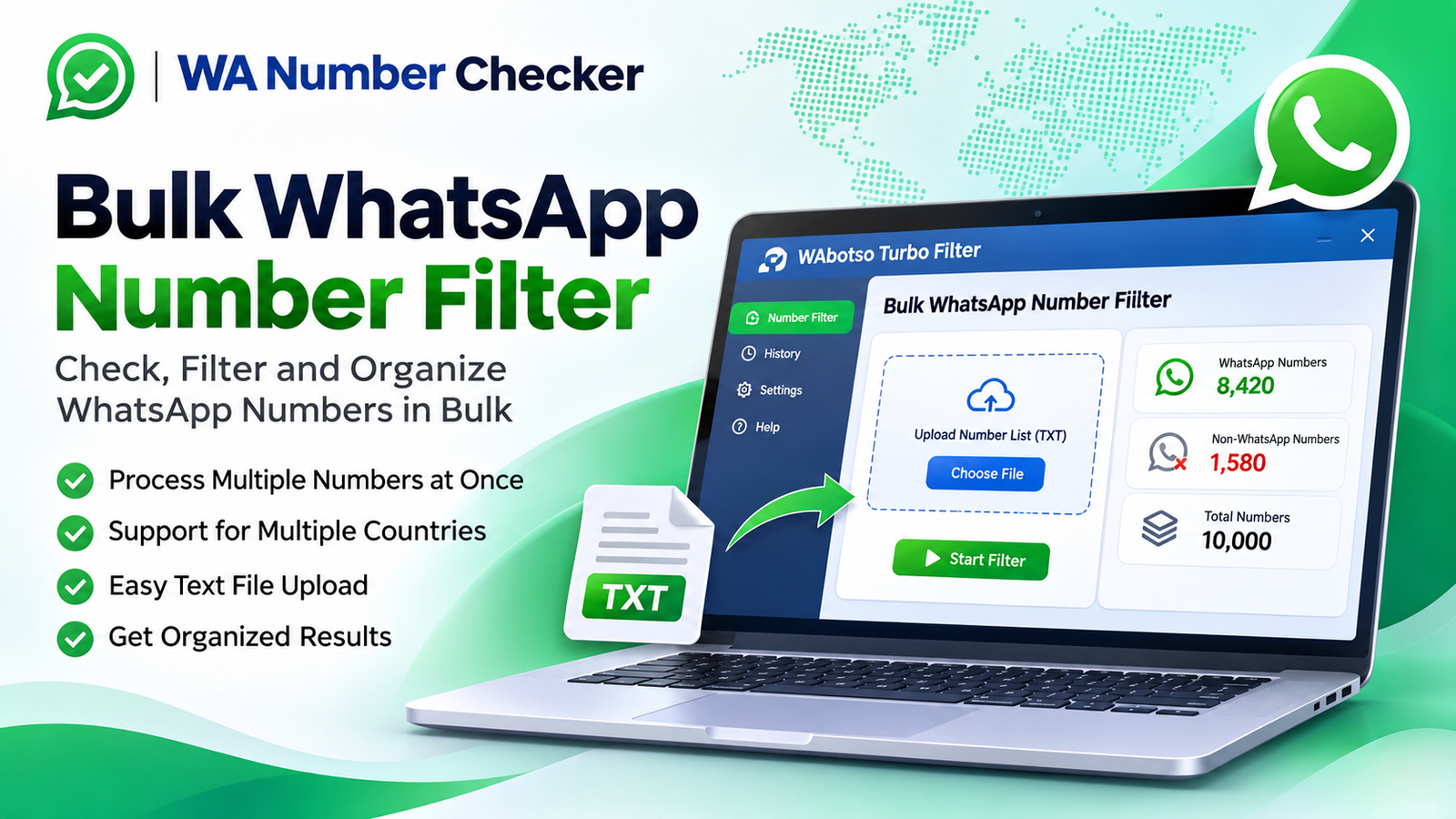
Import your prepared contact list into the software using its supported text file format.
Step 3: Start the Filtering Process
Use the available filtering functionality to process your uploaded phone numbers and organise the results.
Step 4: Review the Processed Results
Review the output to understand which numbers are identified as WhatsApp-associated and organise the results for your business requirements.
Step 5: Download Your Results
Save the processed contact information and use it for your permitted customer communication and contact management activities.
WhatsApp Number Verification Tool for +27 Phone Numbers
South Africa uses the international country calling code +27. Businesses working with South African customer databases should understand the correct international phone number format before processing their contact lists.
For example:
Local format: 082 XXX XXXX
International format: +27 82 XXX XXXX
When converting a South African mobile number into international format, the initial zero is generally removed and +27 is added.
A WhatsApp Number Verification Tool can help businesses work with contact lists more efficiently, but phone number formatting and account association are two different checks. A correctly formatted number does not automatically mean that it has an active WhatsApp account.
WA Number Checker supports international phone number processing, making it useful for businesses handling contact information from South Africa and other countries.
Bulk WhatsApp Number Checker for Business Contact Management
Manually reviewing hundreds or thousands of phone numbers can become difficult as a business grows. Sales teams, lead generation agencies, digital marketing professionals, and customer support departments often need a more organised approach to contact list management.
A Bulk WhatsApp Number Checker helps simplify the process by allowing users to work with multiple phone numbers through one workflow.
Some practical applications include:
Digital Marketing Agencies: Organise customer contact databases before planning communication campaigns.
Sales Teams: Process business enquiry lists and manage potential customer contacts.
Lead Generation Companies: Organise collected business leads and maintain structured databases.
Small Businesses: Manage customer phone numbers more efficiently.
E-commerce Businesses: Organise customer contact records for authorised service updates.
The software is suitable for users who regularly handle large contact lists and want to reduce time spent on repetitive processing tasks.
Features of WA Number Checker
WA Number Checker is designed to make phone number processing easier for individuals and businesses.
Bulk Number Processing: Work with multiple phone numbers through a single workflow instead of manually reviewing each contact.
International Number Support: Process phone numbers from different countries using their appropriate international calling codes, including South Africa’s +27 code.
Simple File Upload: Import supported text-format contact lists and begin processing without complicated technical steps.
Organised Results: Review processed phone number information in a structured manner.
User-Friendly Interface: Follow a simple upload, process, and review workflow without requiring advanced technical knowledge.
Business-Focused Functionality: Manage contact databases for sales, customer service, lead generation, and other legitimate business activities.
How to Choose the Right WhatsApp Number Validator
Before choosing a WhatsApp Number Validator, consider your actual contact management requirements.
Look for a solution that supports bulk processing, accepts your preferred file format, provides understandable results, and offers reliable customer assistance.
You should also review the software’s supported features, subscription validity, system requirements, and data handling practices before purchasing.
WA Number Checker provides different subscription options for users who need its contact processing capabilities. You can explore the available plans and select one according to your requirements.
Remember that number validation does not guarantee message delivery, customer engagement, or consent to receive marketing messages.
Frequently Asked Questions
What is a WhatsApp contact filtering solution?
It is a software-based solution that helps users process phone number lists and identify numbers associated with WhatsApp. It can simplify contact database management and reduce repetitive manual work.
Can I process South African +27 numbers?
Yes, WA Number Checker supports international phone number processing, including South African numbers using the +27 country code. Ensure that your contact list follows the supported input format.
Can I check multiple WhatsApp numbers at once?
Yes, the software provides bulk number processing functionality, allowing users to work with multiple contacts instead of checking every number individually.
Is WA Number Checker suitable for businesses?
Yes. Sales professionals, marketing agencies, lead generation companies, and other businesses can use the software to organise and process their contact databases.
Does a valid phone number always have an active WhatsApp account?
No. A correctly formatted phone number does not necessarily indicate an active WhatsApp account. Number formatting and WhatsApp account association are different things.
How can I get started with WA Number Checker?
Visit the official website, review the available software features and subscription plans, and contact the support team if you need assistance before purchasing.
Get Started with WA Number Checker
Managing business contacts does not have to involve repetitive manual work. With the right WhatsApp Contact Filter solution, South African businesses can process larger contact lists, organise phone number information, and improve their everyday contact management workflow.
Explore WA Number Checker to learn more about its bulk processing features, international number support, and available subscription plans.