

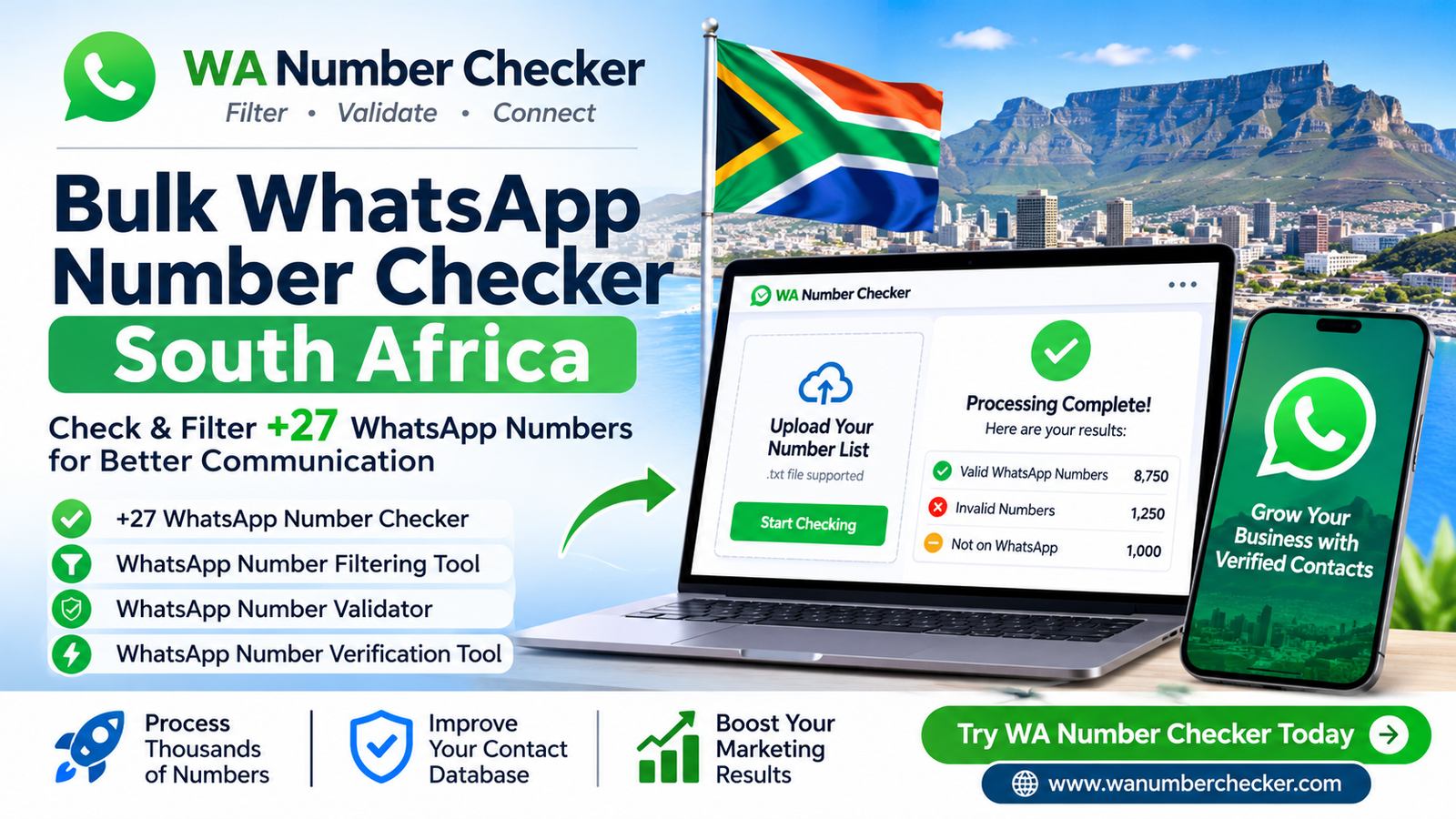
Managing thousands of customer contacts can be challenging, especially when your database contains outdated, duplicate, or inactive phone numbers. For businesses in South Africa, maintaining an organized WhatsApp contact list can help make customer communication more efficient.
Our Bulk WhatsApp Number Checker solution is designed to help businesses, digital marketers, sales professionals, and lead generation agencies process multiple phone numbers through a simple workflow. Whether you have a small contact database or a large collection of South African leads, WA Number Checker makes bulk contact processing easier.
With support for international phone number formats, including South Africa’s +27 country code, you can organize your contact lists and review numbers before planning your business communication activities.
What Is a Bulk WhatsApp Number Checking Tool?
A bulk WhatsApp number checking tool helps users process multiple phone numbers instead of manually checking every contact individually.
Businesses often collect phone numbers through websites, customer enquiries, business directories, advertising campaigns, and lead generation activities. However, not every number in a database will be correctly formatted or associated with an active WhatsApp account.
Using a dedicated WhatsApp number checking solution can simplify this process. It helps users organize contact information, process larger lists, and review the available checking results.
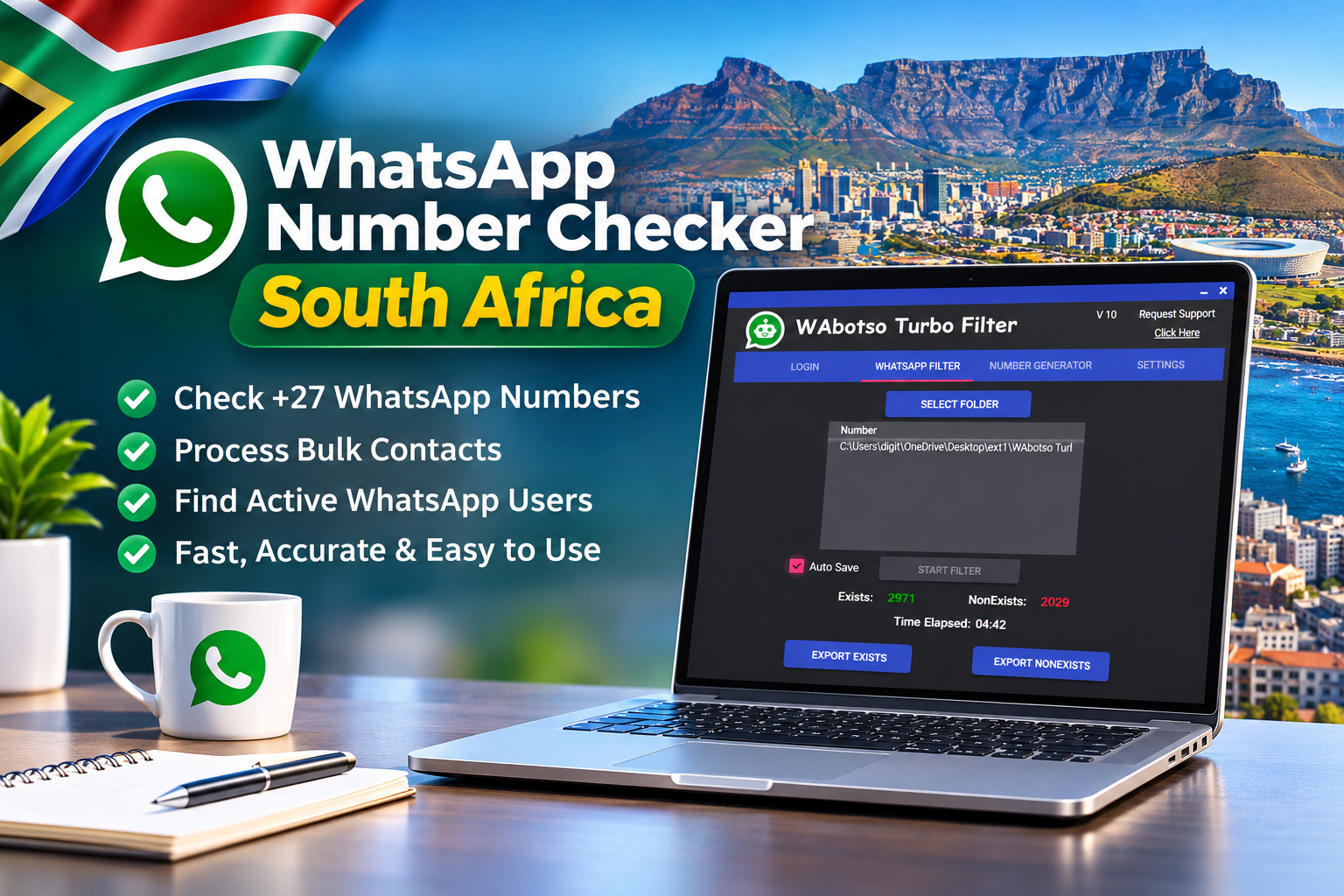
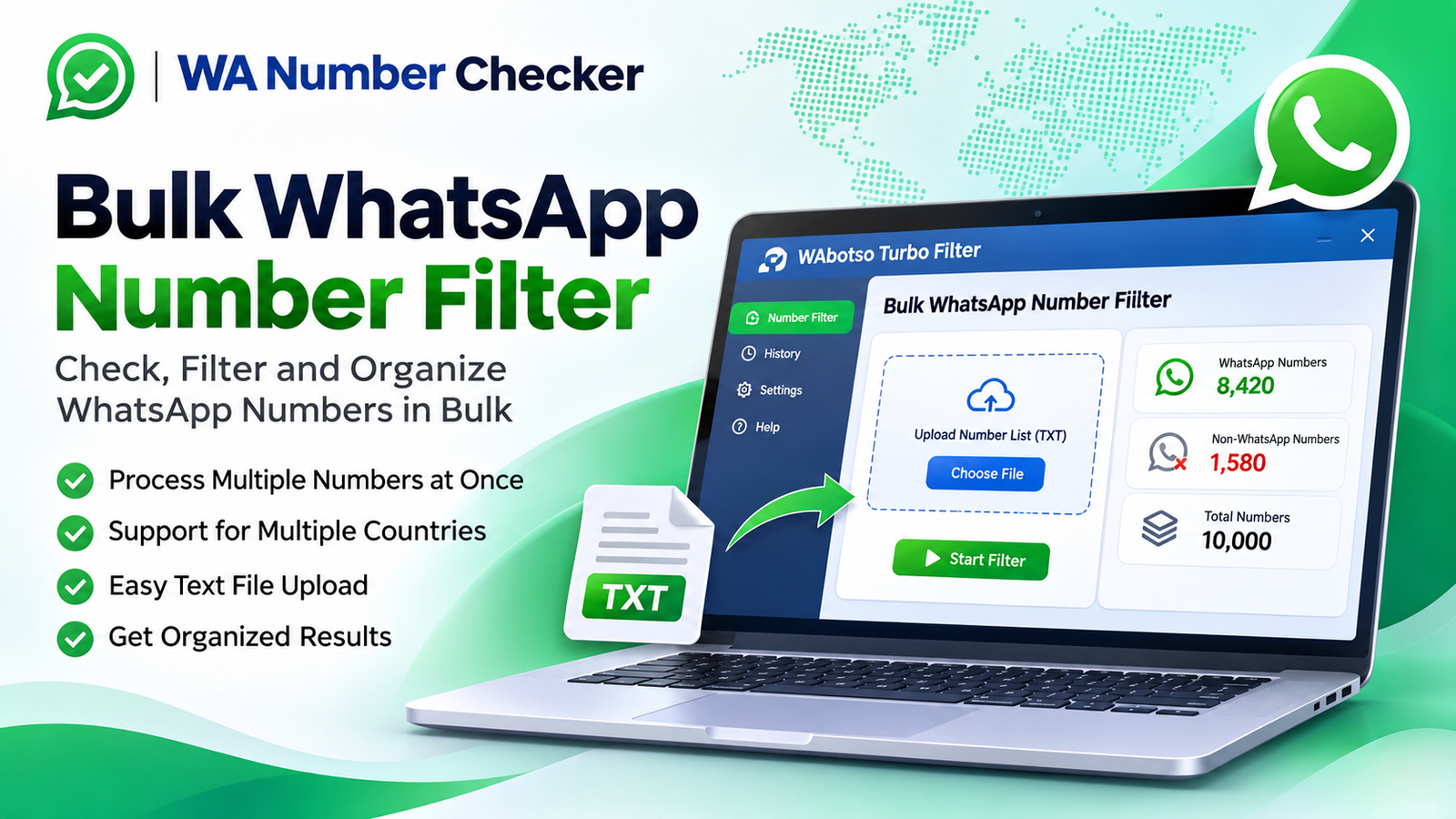
WA Number Checker, powered by WAbotso Turbo Filter, offers features such as bulk number processing, international country support, text-file uploads, and organized results.
Check South African WhatsApp Numbers With the +27 Country Code
South Africa uses the international dialing code +27. Businesses targeting customers in Johannesburg, Cape Town, Durban, Pretoria, Port Elizabeth, and other South African locations often work with phone numbers collected from different sources.
These numbers may appear in local or international formats.
For example:
Local format: 082 XXX XXXX
International format: +27 82 XXX XXXX
When converting a South African mobile number into international format, the leading zero is generally replaced with +27.
Using a consistent format helps reduce confusion when managing international contact databases.
Our +27 WhatsApp Number Checker workflow helps users process South African phone numbers and manage their contact lists more efficiently.
Why Do South African Businesses Need WhatsApp Number Filtering?
WhatsApp is an important communication channel for many businesses. Companies use it to answer customer enquiries, provide product information, coordinate appointments, and maintain customer relationships.
However, an unorganized contact database can create unnecessary work.
Here are some common reasons to use a WhatsApp Number Filtering Tool:
1. Improve Contact Database Quality
Phone number lists may contain outdated entries, incorrectly formatted numbers, or duplicate records. Processing your database helps you organize contact information before using it.
2. Save Time With Bulk Processing
Checking contacts individually can be time-consuming. Bulk processing allows users to handle multiple phone numbers through one workflow.
3. Organize South African Leads
Businesses targeting the South African market can organize their contacts using the +27 country code and maintain a more structured lead database.
4. Support Marketing Teams
Digital marketing agencies, sales departments, and lead generation professionals can use organized contact lists when preparing customer communication campaigns.
5. Reduce Manual Work
A dedicated WhatsApp Number Validator can make contact-list management easier by reducing repetitive manual checking.
Key Features of WA Number Checker
WA Number Checker is designed for users who regularly work with large contact databases.
Bulk Number Processing
Process multiple phone numbers instead of checking every contact separately. This feature is useful for businesses and marketing professionals handling larger customer databases.
International Country Code Support
Work with international phone numbers from different countries. South African businesses can use the +27 country code when preparing their contact lists.
Simple Text File Upload
Upload phone number data in the supported text format and process your contact list through a straightforward workflow.
Organized Checking Results
Review the processed numbers and organize your contact information for easier database management.
User-Friendly Interface
The software follows a simple process that allows users to upload, process, and review phone number data without complicated technical steps.
Business-Focused Contact Management
From sales leads and customer enquiries to marketing databases, the platform helps users manage larger contact lists more conveniently.
How to Use the WhatsApp Number Verification Tool
Getting started with WA Number Checker involves a simple process.
Step 1: Prepare Your Contact List
Collect the South African phone numbers you want to process. Remove unnecessary spaces and use a consistent international format wherever possible.
Step 2: Upload Your Numbers
Prepare your phone number list in the supported text format and upload it to the software.
Step 3: Start Number Processing
Run the checking process to review the submitted contact list. Processing time may vary depending on the number of contacts and the checking workflow.
Step 4: Review the Results
Check the processed output and organize your contacts according to the results available in the software.
Step 5: Manage Your Contact Database
Use the organized information to maintain your business contact records and plan appropriate customer communication.
Who Can Benefit From Bulk WhatsApp Number Checking?
This solution can be useful for several types of users in South Africa:
Digital Marketing Agencies: Manage customer contact databases for marketing projects.
Lead Generation Companies: Organize phone numbers collected during lead generation activities.
Small Businesses: Maintain structured customer contact records.
Sales Teams: Process larger lists of potential customer contacts.
E-commerce Businesses: Organize customer enquiries and business contact information.
B2B Companies: Manage business contact databases for professional communication.
Whether you operate in Johannesburg, Cape Town, Durban, or elsewhere in South Africa, organized contact information can make your daily business workflow easier.
Responsible WhatsApp Communication and Data Privacy
Checking phone numbers does not automatically provide permission to contact their owners. Businesses should collect and process personal information responsibly and comply with applicable South African data protection requirements, including the Protection of Personal Information Act (POPIA).
Before sending promotional messages, obtain appropriate permission and respect requests to stop receiving communications. WhatsApp Business policies also require businesses to have the recipient’s number and opt-in permission before contacting them.
A number-checking result should not be treated as a guarantee that a person will respond, read your message, or remain reachable on WhatsApp.
Frequently Asked Questions
Q1. What is the best way to check bulk WhatsApp numbers in South Africa?
You can use WA Number Checker to process multiple phone numbers through its bulk checking workflow and review the available results.
Q2. What is the country code for South African WhatsApp numbers?
The international dialing code for South Africa is +27. It should be used when preparing South African phone numbers in international format.
Q3. Can I check multiple +27 WhatsApp numbers at once?
Yes. WA Number Checker supports bulk number processing, allowing users to process multiple contacts instead of checking them individually.
Q4. Is a WhatsApp number validator useful for lead generation?
Yes. It can help businesses organize and process their contact databases before planning customer communication activities.
Q5. Does checking a WhatsApp number guarantee message delivery?
No. A checking result does not guarantee message delivery, customer engagement, or future account availability.
Q6. Can businesses use this tool for international contacts?
Yes. WA Number Checker supports international country codes and is designed for users managing contact databases across different countries.
Start Managing Your South African WhatsApp Contacts
Managing a large contact database does not have to involve checking every phone number manually. WA Number Checker provides a convenient software workflow for processing multiple numbers, organizing contact information, and working with international phone formats.
If your business targets South African customers, use our Bulk WhatsApp Number Checker solution to simplify your contact-list management process and work more efficiently with +27 phone numbers.
Pingback: WhatsApp Contact List Filter South Africa – WA Number Checker