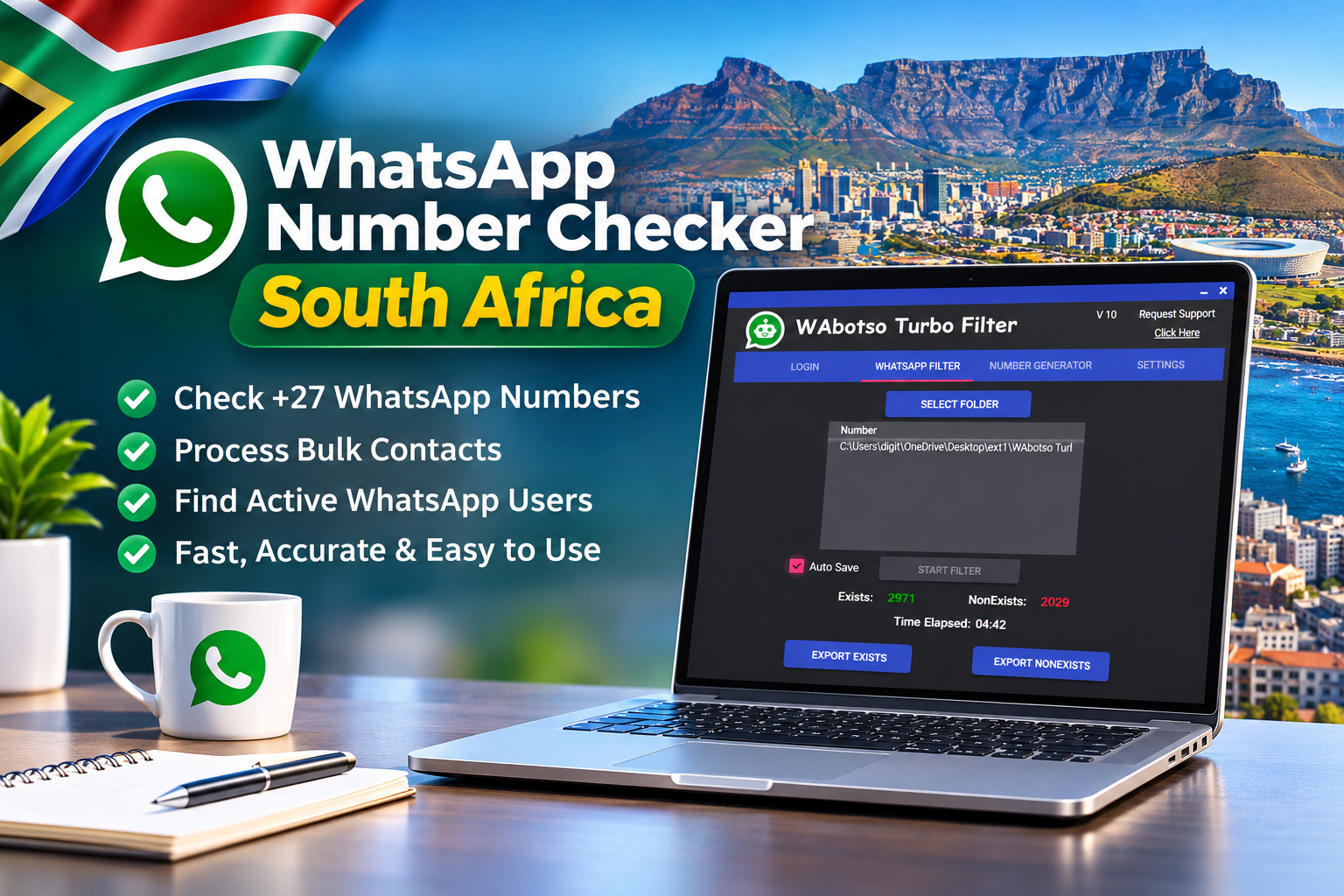

Managing a large database of phone numbers can be challenging, especially when you are running a business, managing marketing campaigns or generating leads in South Africa. Not every phone number in your contact list is registered on WhatsApp. Contacting inactive or incorrect numbers can waste valuable time and marketing resources.
Check WhatsApp Numbers Online with WA Number Checker and simplify the process of organizing and filtering your contact database. Whether you are a digital marketer, business owner, sales professional or lead generation specialist, having an organized WhatsApp contact list can make your communication workflow more efficient.
WA Number Checker, powered by WAbotso Turbo Filter, is designed to help users process multiple phone numbers, organize contact data and identify numbers associated with WhatsApp.
Why Check WhatsApp Numbers in South Africa?
WhatsApp is widely used for personal and business communication in South Africa. Businesses use it to respond to customer enquiries, share product information, provide support and maintain relationships with potential customers.
However, business contact databases often contain outdated, duplicate, incorrectly formatted or inactive numbers.
This creates several challenges:
Wasting time on numbers that are not registered on WhatsApp.
Managing large customer databases manually.
Working with incorrectly formatted South African phone numbers.
Spending additional resources on unorganized contact lists.
Difficulty preparing international contact databases.
Using a suitable WhatsApp number checking solution helps businesses organize their phone number lists before planning customer communication.
WhatsApp Number Checking for South African +27 Numbers
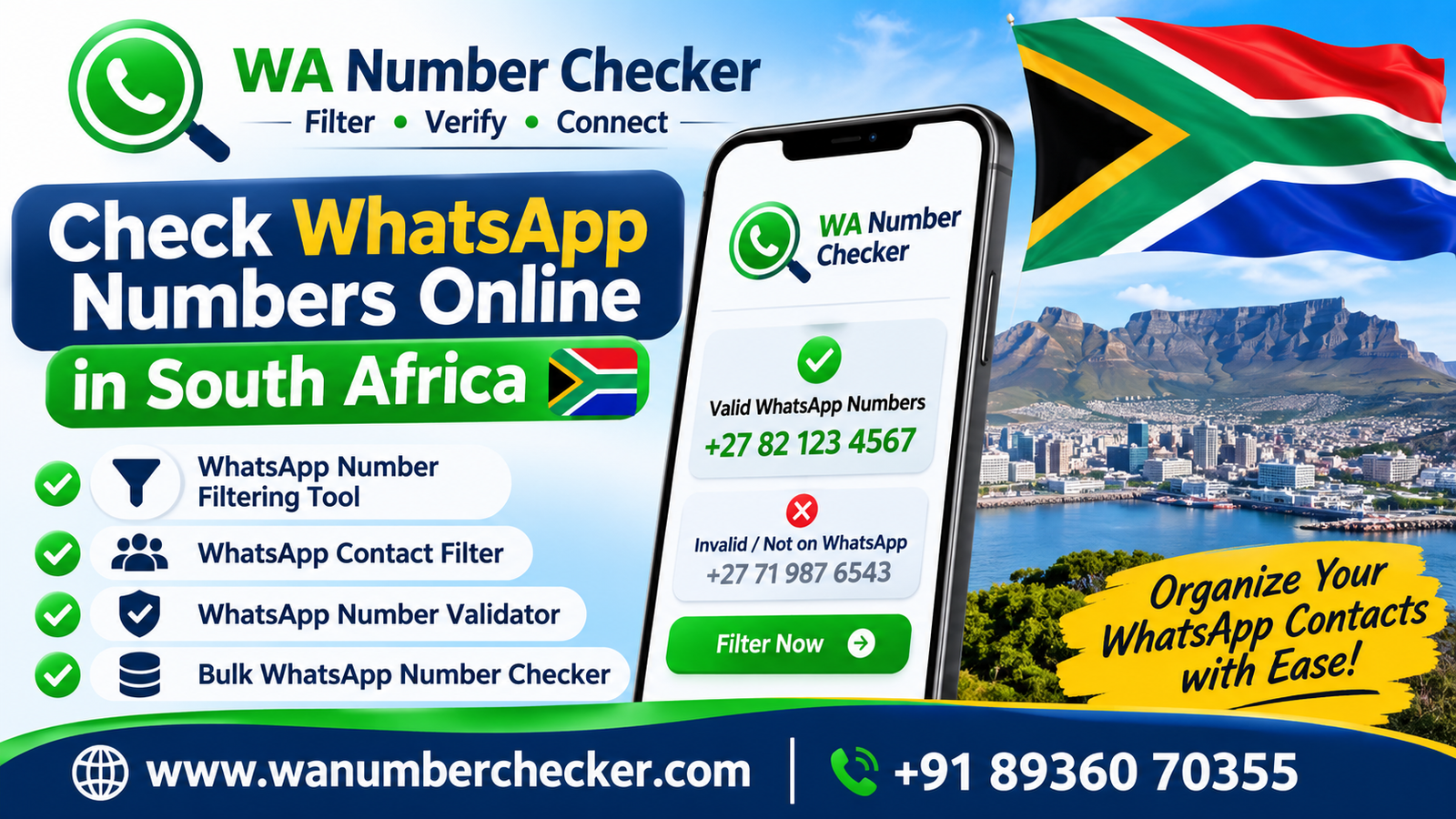
South Africa uses the international dialing code +27. When managing South African phone number databases, using the correct international format helps maintain consistency and makes contact processing easier.
For example:
Local format: 082 123 4567
International format: +27 82 123 4567
When converting a South African mobile number into international format, the initial zero is removed and +27 is added.
WA Number Checker supports international phone number processing, making it useful for businesses and marketers working with South African contact databases.
Whether your contact list contains customer enquiries, sales leads or business contacts, organizing numbers with the correct country code can simplify your workflow.
Powerful WhatsApp Number Filtering Tool
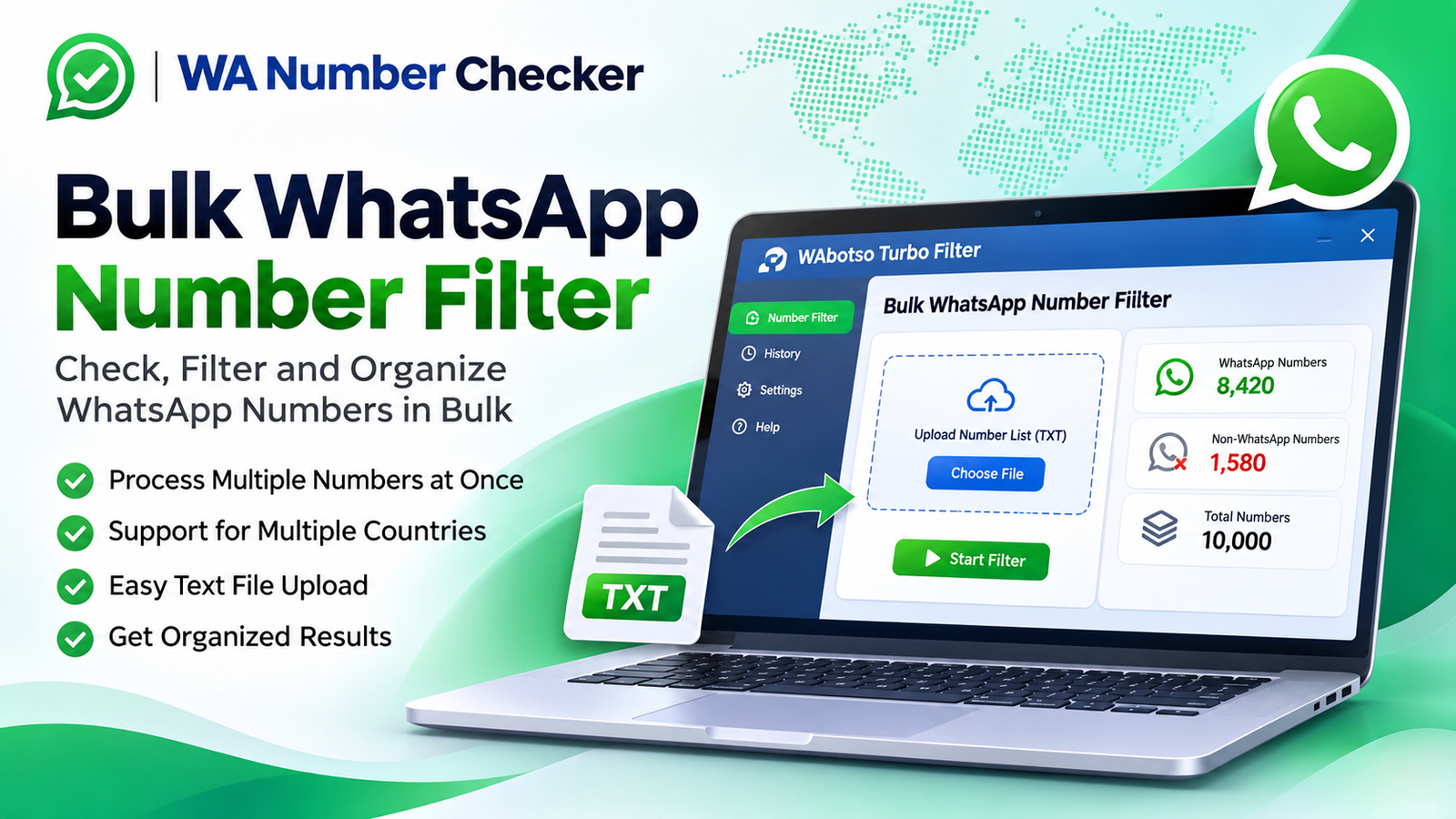
WA Number Checker is designed for users who need to process multiple phone numbers without checking each contact individually.
Its WhatsApp Number Filtering Tool provides a convenient way to work with large contact lists and organize the results.
Key features include:
1. Bulk WhatsApp Number Checking
Processing individual phone numbers can become time-consuming when you have hundreds or thousands of contacts. The bulk processing feature helps users handle larger contact lists through a streamlined workflow.
2. Multiple Country Support
Although this page focuses on South Africa, the software supports international phone number lists. You can work with different country codes when managing contacts from multiple markets.
3. Easy Contact List Upload
Upload your phone number data in the supported text format and process your list through a simple workflow. This reduces repetitive manual work and makes contact management easier.
4. Organized Checking Results
Review processed numbers and organize your contact data for further business communication and database management.
5. Simple User-Friendly Interface
The software is designed to make number processing accessible without requiring advanced technical knowledge. Users can upload their data, apply the filtering process and review the results.
WhatsApp Contact Filter for Businesses and Marketers
A well-organized contact database can help businesses manage their customer communication more efficiently.
A WhatsApp Contact Filter can be useful for several industries in South Africa:
Digital Marketing Agencies: Agencies managing marketing campaigns can organize phone number databases before preparing their communication activities.
Real Estate Businesses: Property consultants can organize prospective buyer and seller contacts for easier lead management.
E-commerce Companies: Online stores can manage customer enquiry lists and organize contact information for customer support.
Travel and Tourism Companies: Travel agencies can organize customer enquiries, booking leads and international contact databases.
Sales and Lead Generation Teams: Sales professionals can process larger contact lists and maintain better-organized prospect databases.
The software helps simplify contact processing, allowing businesses to spend less time on repetitive manual tasks.
WhatsApp Number Validator for Better Contact Management
A WhatsApp Number Validator can help businesses identify phone numbers associated with WhatsApp accounts as part of their contact management process.
However, WhatsApp registration does not necessarily mean that a number is active, that its owner will respond, or that the contact has consented to receive promotional messages.
For better database management, businesses should also maintain accurate customer information, remove outdated records and follow applicable data protection and marketing regulations.
In South Africa, businesses should pay attention to the Protection of Personal Information Act (POPIA) when collecting, storing and using personal information for marketing purposes.
Always obtain appropriate consent before sending promotional communications and respect customer opt-out requests.
How to Use WA Number Checker?
Getting started with WA Number Checker involves a straightforward process.
Step 1: Prepare Your Contact List
Collect the phone numbers you want to process. Make sure South African numbers use the correct +27 international dialing format.
Step 2: Upload Your Data
Prepare your contact list in the supported text format and upload it to the software.
Step 3: Start Number Processing
Use the software’s filtering functionality to process the uploaded phone number list.
Step 4: Review the Results
Check the processed results and organize your contact information according to your business requirements.
Step 5: Manage Your Contact Database
Use the organized data for legitimate customer communication, sales follow-ups and contact management.
Why Choose WA Number Checker?
WA Number Checker, also known as WAbotso Turbo Filter, is developed to simplify bulk phone number processing for businesses and individuals.
Reasons to consider the software include:
Bulk phone number processing.
Support for international country codes.
Text-format contact list uploads.
Organized processing results.
A straightforward user interface.
Software updates and customer support according to the selected plan.
Whether you manage a small business contact list or a larger marketing database, WA Number Checker provides a convenient workflow for processing phone numbers.
Start Managing Your South African WhatsApp Contact List
Managing customer contacts becomes easier when your phone number database is properly organized. From small businesses to marketing agencies, having an efficient contact filtering process can reduce repetitive work and improve database management.
If you work with South African phone numbers, prepare your contacts using the +27 country code and use WA Number Checker to process your contact lists.
Check WhatsApp Numbers Online with WA Number Checker and make bulk contact processing simpler, faster and more organized.