
WhatsApp has become an important communication platform for individuals, businesses, marketers, and customer support teams across South Africa. From Johannesburg and Cape Town to Durban and Pretoria, businesses use WhatsApp to communicate with customers, share updates, generate leads, and manage enquiries.
However, maintaining an accurate contact database can be challenging. Some phone numbers may be outdated, incorrectly formatted, or no longer associated with an active WhatsApp account. This is where a WhatsApp Number Checker South Africa solution can help businesses and individuals organize and process their contact lists more efficiently.
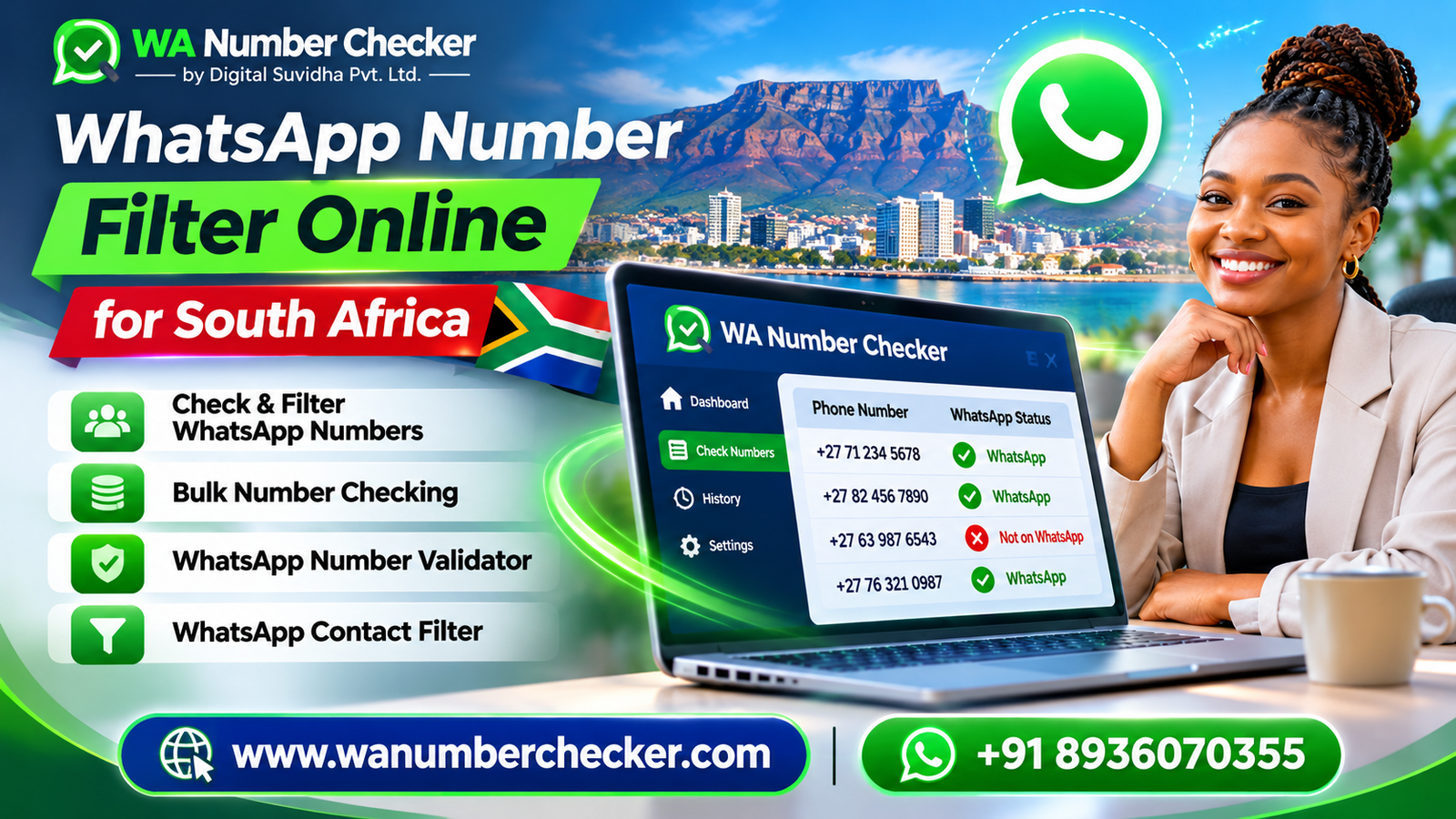
With WA Number Checker, users can process South African phone numbers, work with international country codes, and manage multiple contacts through a convenient checking process.
Why Is WhatsApp Number Checking Important for South African Businesses?
South African businesses often maintain contact databases for sales, customer support, marketing, and business development. When these databases contain incorrect or inactive numbers, communication efforts can become less efficient.
Checking and organizing contact information before starting a communication campaign can help businesses maintain cleaner databases.
Here are some practical reasons to check WhatsApp contacts:
Better Contact Management: Identify and organize phone numbers in your existing database.
Bulk Contact Processing: Process multiple phone numbers instead of checking every contact individually.
Improved Database Quality: Identify numbers that may need further review or correction.
Time Efficiency: Reduce repetitive manual work when managing large contact lists.
Business Communication: Prepare more organized contact lists for customer engagement and sales activities.
Whether you run an online store, digital marketing agency, travel company, or local service business, maintaining accurate contact information can support your communication workflow.
Understanding the South African +27 Phone Number Format
Before checking South African phone numbers, it is useful to understand their international dialing format.
South Africa uses the country calling code +27. Local mobile numbers generally begin with a zero, while international formatting replaces the initial zero with the country code.
For example:
| Number Format | Example |
|---|---|
| Local format | 082 XXX XXXX |
| International format | +27 82 XXX XXXX |
When converting a local number into international format, remove the initial zero and add +27.
For example:
Local: 082 XXX XXXX
International: +27 82 XXX XXXX
Using a consistent international format makes it easier to organize contacts from different countries in one database.
A +27 WhatsApp Number Checker workflow is particularly useful for businesses managing South African contacts alongside international customer records.
How to Check South African WhatsApp Numbers Online
Checking multiple phone numbers manually can take considerable time. A suitable number-checking tool can simplify the process by allowing users to work with contact lists in a more organized way.
Follow these general steps to process your South African contacts using WA Number Checker.
Step 1: Prepare Your Contact List
Collect the South African mobile numbers you want to process. Check for duplicate entries, missing digits, and incorrect country codes.
Where possible, standardize the numbers using the international +27 format.
Step 2: Open WA Number Checker
Visit WA Number Checker and explore the available number-checking software.
The platform provides features for processing phone numbers and organizing contact lists across multiple countries.
Step 3: Upload Your Phone Numbers
Prepare your contact data in a supported text format and upload it through the available interface.
If you are working with a large database, organize the numbers before uploading to make the process easier to manage.
Step 4: Start the Checking Process
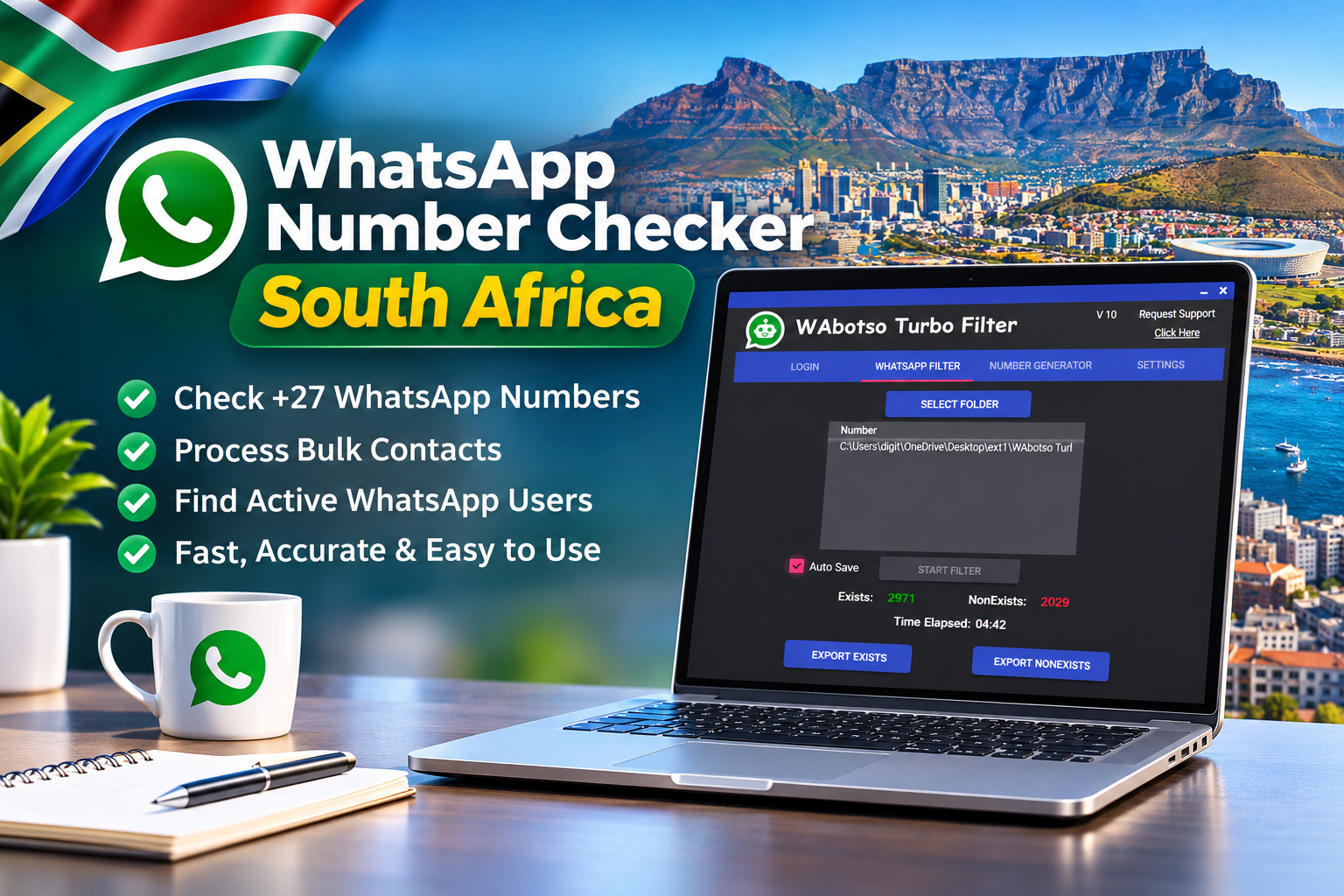
Start processing your uploaded contacts using the available checking functionality.
The tool is designed to help users identify numbers that may be associated with WhatsApp accounts.
Step 5: Review and Organize Results
After processing, review the available results and organize your contact records according to your business requirements.
Remember that a number-checking result does not guarantee that a person will read or respond to your messages.
Benefits of Using WA Number Checker for South African Contacts
WA Number Checker is designed to simplify contact-list processing for individuals, businesses, and marketing professionals.
Some of its useful features include:
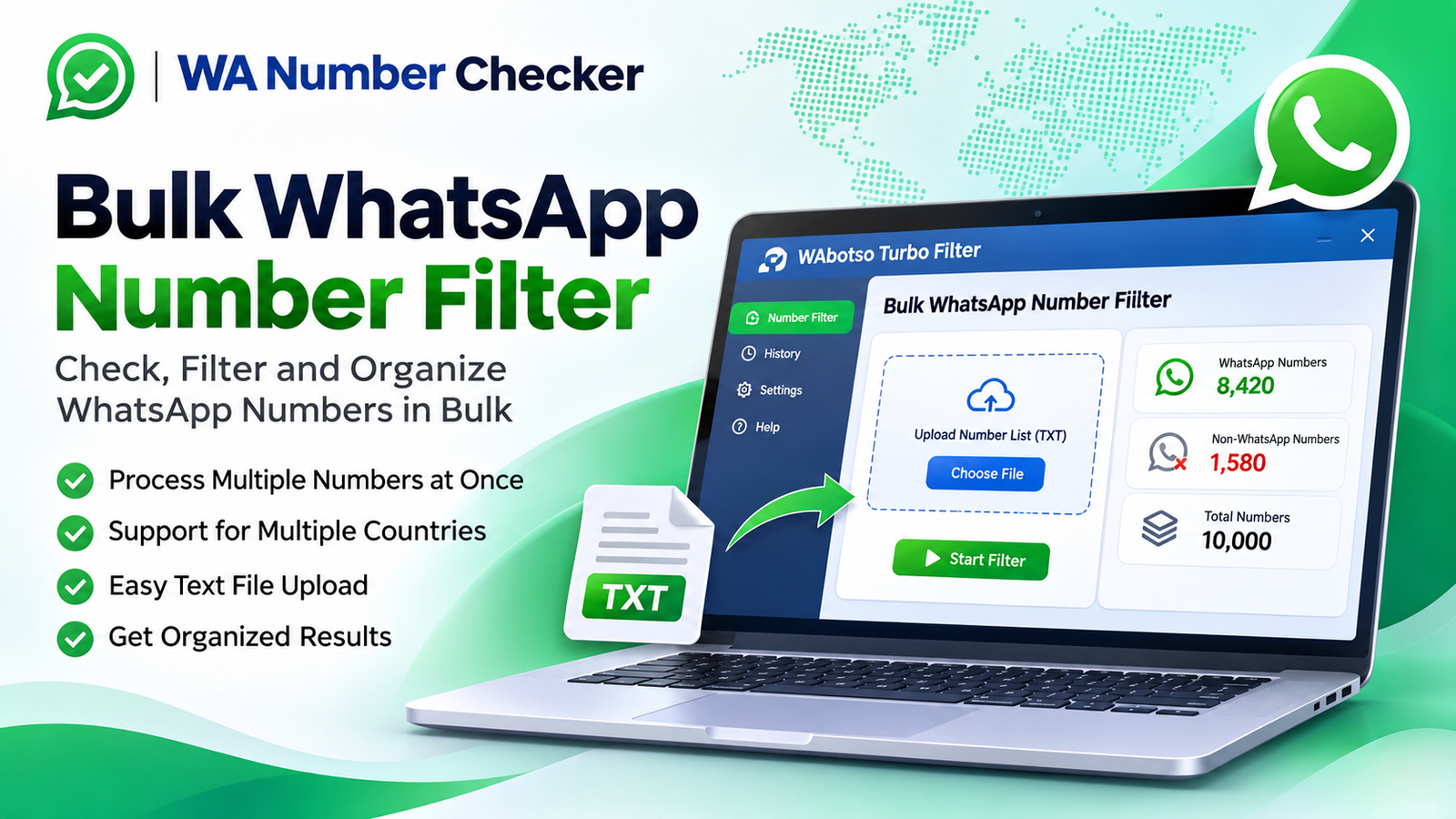
Bulk Number Processing
Instead of checking individual contacts one by one, users can process larger contact lists through a bulk-processing workflow. This can be helpful for businesses managing extensive customer databases.
Multiple Country Support
Businesses often work with international customers. The platform supports multiple countries, allowing users to work with contact lists that contain different international dialing codes.
Simple Data Upload
Users can upload phone number data in a supported text format. This makes it easier to prepare and process existing contact databases.
Organized Results
Processing and reviewing contact information becomes easier when results are organized. Users can manage their contact data according to their requirements.
Business-Focused Workflow
Sales teams, digital marketers, agencies, and customer support professionals can use the platform to organize contact information before planning communication activities.
For businesses looking for a South Africa WhatsApp Number Checker, these features can help simplify routine contact management.
Who Can Benefit from WhatsApp Number Verification?
WhatsApp contact checking can be useful across different industries in South Africa.
Digital Marketing Agencies: Agencies managing customer databases and lead lists can organize their contacts before planning campaigns.
E-commerce Businesses: Online retailers can maintain customer contact records and improve database organization.
Sales Professionals: Sales teams can process business enquiries and organize prospect contact information.
Travel Agencies: Travel companies can manage customer enquiries and international contact records more efficiently.
Small Businesses: Local businesses can organize their customer databases without spending unnecessary time checking every number manually.
A well-organized database can make customer communication easier, although it cannot guarantee better engagement or conversions.
Best Practices for Managing South African WhatsApp Contact Lists
Using a number-checking tool is only one part of effective contact management. Businesses should also follow responsible data-handling practices.
Use the correct international country code (+27) for South African contacts.
Remove duplicate entries before processing your database.
Keep your contact records updated.
Only process phone numbers that you have a legitimate reason and authorization to use.
Respect customer consent and applicable privacy requirements.
Follow WhatsApp’s Business and messaging policies.
Avoid sending unsolicited bulk messages.
These practices can help businesses maintain more organized contact databases while respecting customer privacy.
Frequently Asked Questions (FAQs)
1. What is a WhatsApp Number Checker South Africa tool?
It is a tool designed to help users process and check South African phone numbers to identify numbers that may be associated with WhatsApp accounts.
2. What is the country code for South African WhatsApp numbers?
South Africa uses the international country calling code +27. It is used when representing South African phone numbers in international format.
3. Can I check multiple South African WhatsApp numbers?
Yes. WA Number Checker supports bulk number processing, allowing users to work with multiple contacts rather than checking each number individually.
4. Is WhatsApp number checking useful for businesses?
Yes. Businesses can use number-checking tools to organize customer databases, process sales contacts, and manage marketing contact lists more efficiently.
5. Can I check phone numbers from other countries?
WA Number Checker supports multiple countries. Users can work with international contact lists by using the appropriate country codes.
6. Does checking a WhatsApp number guarantee a response?
No. Checking a number does not guarantee that the account owner will read or respond to a message. It also does not establish the identity of the person using the number.
Start Checking Your South African Contacts with WA Number Checker
Managing a large contact database becomes easier when phone numbers are properly formatted and organized. Whether you are a business owner, marketer, sales professional, or agency, having a suitable contact-processing workflow can save time and simplify everyday tasks.
If you work with South African contacts, WA Number Checker provides a convenient way to process phone numbers using international country codes and bulk-processing functionality.